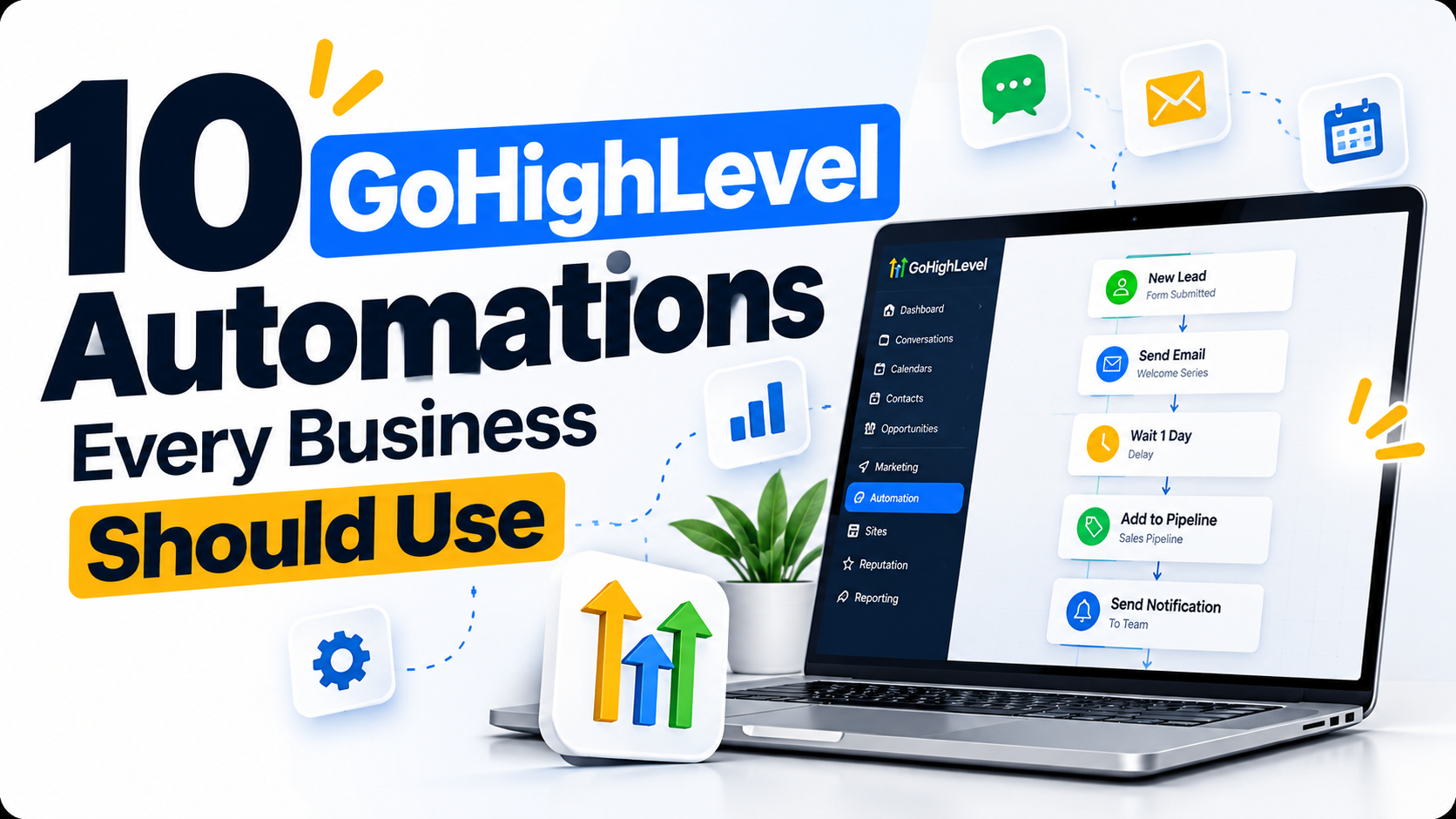
10 GoHighLevel Automations Every Business Should Use
Automation can help your business respond faster, reduce repetitive work, and create a more consistent experience for leads and customers. Platforms like GoHighLevel bring CRM management, customer communication, and automated workflows together in one place.
Instant New Lead Follow-Up
Send an automatic email or SMS as soon as a new lead submits a form. This helps your business acknowledge inquiries promptly without waiting for someone to respond manually.
Missed Call Text Back
Automatically send a text message when your business misses a call. This gives potential customers an opportunity to continue the conversation even when your team isn't available to answer.
Appointment Confirmation
Automatically confirm a booking immediately after a prospect schedules an appointment. Include the meeting details so customers know exactly when and how to connect with your business.
Appointment Reminder Workflow
Send reminders before an appointment to help reduce missed meetings. Automated notifications also save your team from having to contact every customer manually.
No-Show Follow-Up
Automatically contact people who miss their appointments and provide an easy way to reschedule. A polite follow-up helps keep the conversation open without unnecessary back-and-forth.
Lead Nurture Sequence
Continue communicating with leads using scheduled emails and SMS messages until they are ready to take the next step. Email marketing platforms such as Mailchimp also help businesses manage email campaigns, while CRM automation connects follow-ups with customer activity and sales stages.
Pipeline Stage Automation
Move opportunities to different pipeline stages when important events happen. This gives your team an updated view of where each lead stands in the sales process.
Internal Team Notifications
Notify your sales team when a new lead arrives or an important action requires attention. These alerts help team members stay informed and respond to opportunities more consistently.
Customer Review Request
Automatically invite customers to leave an honest review after a completed service or appointment. This helps you create a consistent feedback process without manually contacting each customer.
Customer Onboarding
Send welcome emails, forms, next steps, and important information automatically after a customer signs up. A structured onboarding workflow helps new customers understand what happens next.
Want These Automations Built for Your Business?
UFOTOMATION can design and build custom GoHighLevel workflows, CRM systems, and automated customer journeys. Explore our CRM automation services to learn how we can help simplify your daily business operations.
Book a Free Strategy Call