Why Are Small Businesses Losing Leads?
Small businesses invest time and money in advertising, website development, social media, and lead generation. However, attracting interested prospects is only the first step.
Without a reliable system for tracking inquiries and managing communication, businesses may miss opportunities that could have developed into valuable customer relationships.
Common problems include slow response times, forgotten follow-ups, disconnected customer information, and poorly organized sales processes.
What Happens When Leads Are Not Managed Properly?
Consider a potential customer who visits your website and completes a contact form.
If the inquiry goes into an email inbox that nobody checks regularly, the customer may never receive a timely response.
Even when someone responds initially, future communication can stop if the team does not have a clear follow-up process.
Over time, these communication gaps can reduce the effectiveness of marketing campaigns and make customer acquisition more difficult.
What Is CRM Automation?
CRM stands for Customer Relationship Management. A CRM system helps businesses organize customer records, track conversations, and manage opportunities throughout the sales process.
CRM automation adds workflows that automatically perform routine actions when certain events take place.
For example, when someone submits a website form, a connected CRM can create their contact record, notify the team, send an acknowledgment, and organize the opportunity inside a sales pipeline.
How CRM Automation Works: A Simple Lead Management Process
Here is an example of how a small business can use CRM automation to manage inquiries from the first interaction.
New Inquiry → CRM → Automatic Response → Team Notification → Sales Pipeline → Follow-Up
5 Benefits of CRM Automation for Small Businesses
A well-organized CRM automation system can help businesses improve how they manage leads and communicate with customers.
Faster Lead Responses
Automated acknowledgment messages help potential customers know that their inquiry has been received.
Consistent Follow-Ups
Structured reminders and workflows help teams maintain communication without depending entirely on manual tracking.
Organized Customer Information
Store important contact details, conversation history, and opportunity information in one connected system.
Less Administrative Work
Automating repetitive activities helps employees spend more time on customers and important business responsibilities.
Better Sales Visibility
A centralized pipeline helps teams understand lead status, upcoming tasks, and opportunities that require attention.
Why GoHighLevel Is Useful for CRM Automation
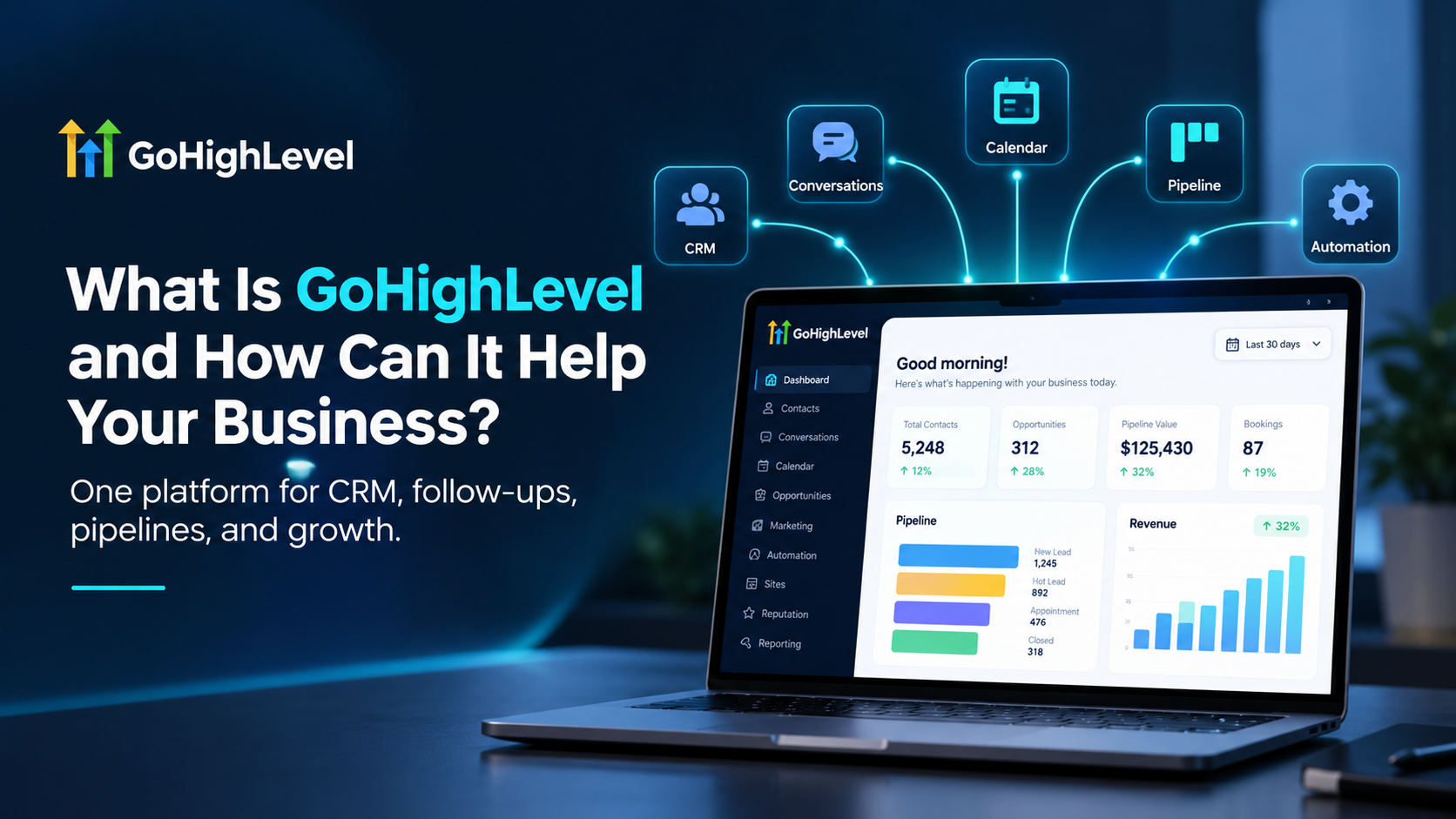
GoHighLevel is a business platform that combines customer management, marketing automation, appointment scheduling, and sales tracking tools.
Businesses can use GoHighLevel to connect website forms, contact records, calendars, and automated workflows into one system.
Some useful features include:
- Customer relationship management and contact tracking
- Email and SMS workflow automation
- Sales pipeline and opportunity management
- Appointment calendars and reminders
- Website forms and landing page integration
- Automated internal notifications
- Reporting and lead activity tracking
With the correct configuration, these features can help businesses create a more connected customer management process.
How UFOTOMATION Helps Businesses Automate Their Growth
At UFOTOMATION LLC, we help businesses build customized systems designed to simplify operations and improve customer management.
Our team works with GoHighLevel, CRM integrations, marketing workflows, AI automation, website development, and sales funnels to create practical digital solutions.
Instead of relying on disconnected tools and manual follow-up processes, businesses can organize their customer journey through a system designed around their needs.
Final Thoughts
Getting more leads is important, but managing those opportunities effectively is just as essential.
CRM automation helps businesses reduce repetitive work, maintain organized customer information, and create more consistent communication processes.
The right automation strategy can help your team spend less time managing routine tasks and more time building meaningful customer relationships.